Data Services allow direct interface with ePCR vendors or for local streaming of the defibrillator's data to a centralized hub. From the Data Services menu, you can configure a unique password for your system to connect to the X Series®. Connection attempts using an incorrect password will fail.
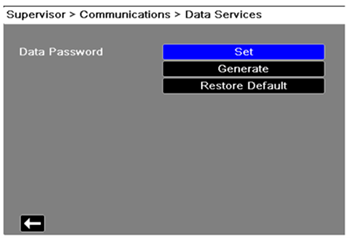
For security reasons, ZOLL® recommends setting your own password, not using the default. Passwords should:
- Use a minimum of 16 characters
- Use at least one uppercase and one lowercase character
- Use at least one special character, for example, !#$%
- Avoid patterns, character repetitions, common phrases associated with your institution, common passwords, and should be fully randomized whenever possible (the X Series can generate a random password for you if desired)