- Turn the defib OFF and wait 10 seconds
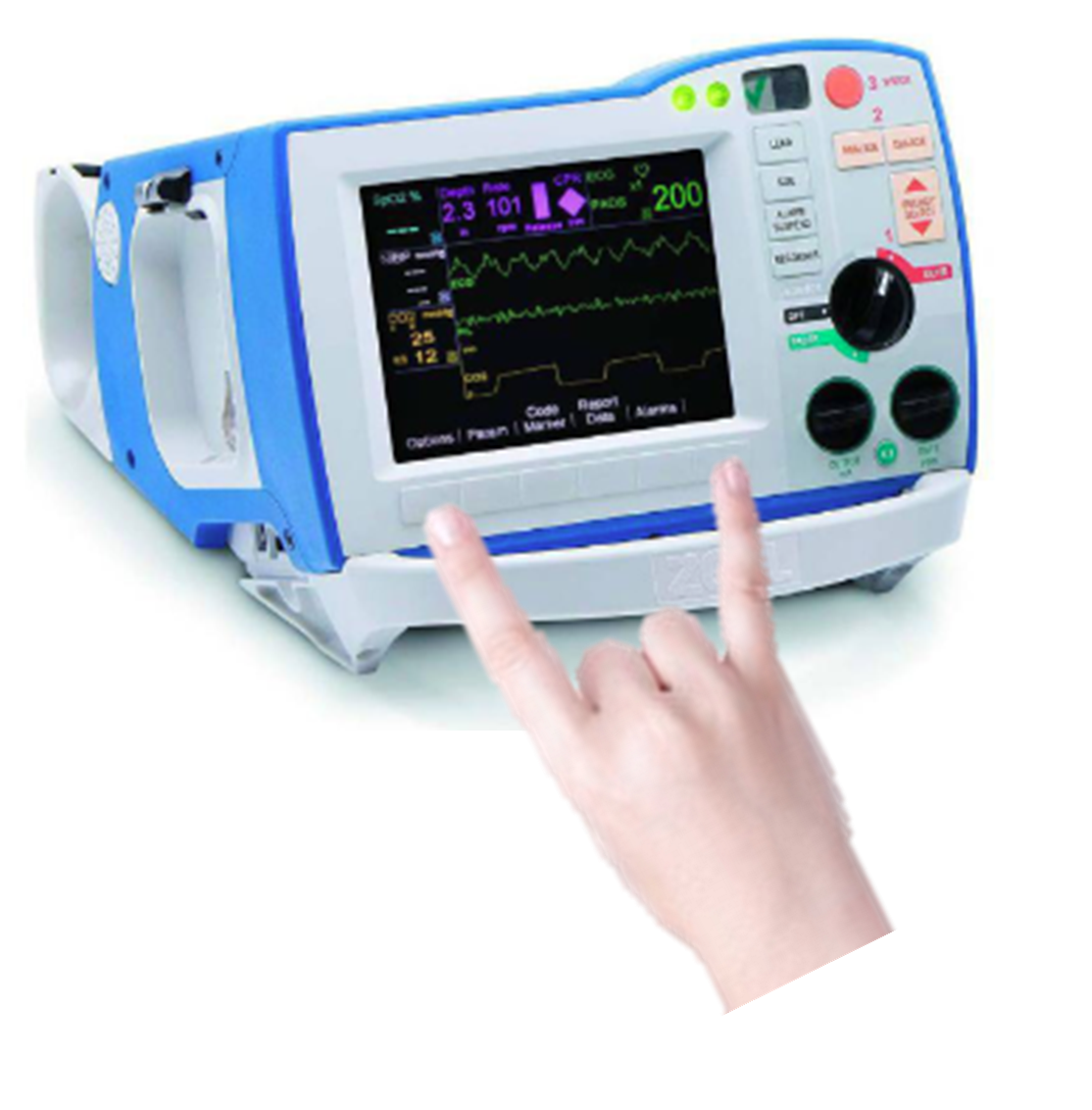
- Simultaneously press and hold the right-most and left-most softkeys below the defib screen
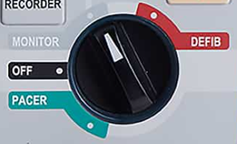
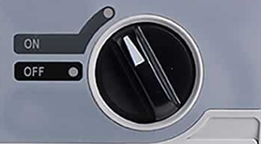
- While holding - turn the selector knob to “MONITOR” (ALS models - left) or “ON” (Plus and BLS models – right)
- CONTINUE HOLDING the softkeys until the System Configuration screen appears
- Enter your Passcode
- Select your language